Snowy night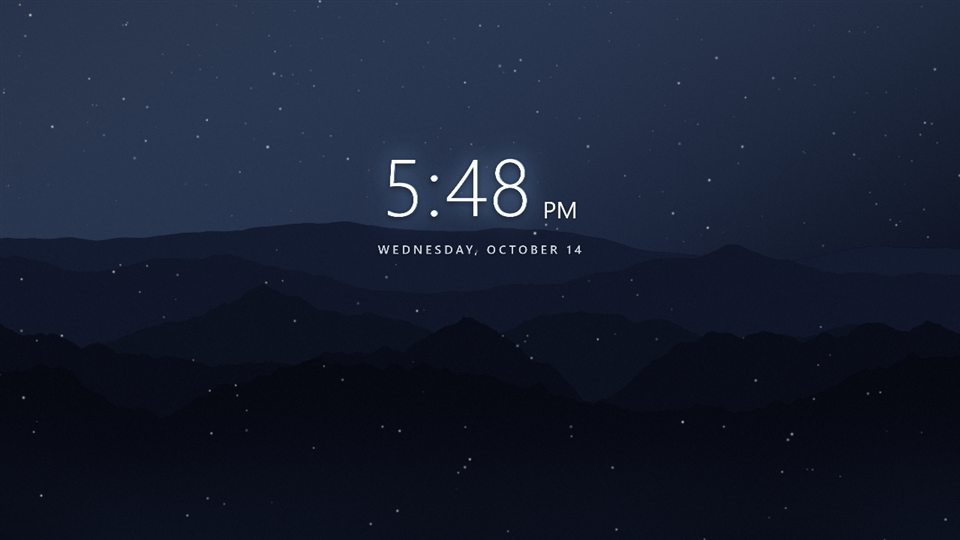
Mural turns your wallpaper into a living scene: your photos, animated effects and live widgets, stacked as layers you can change any time. Free forever. No account. Pauses when you game.
Version 0.1.18 · 100 MB download, about 300 MB installed · 64-bit · installs per user, no admin needed · all releases · what's new
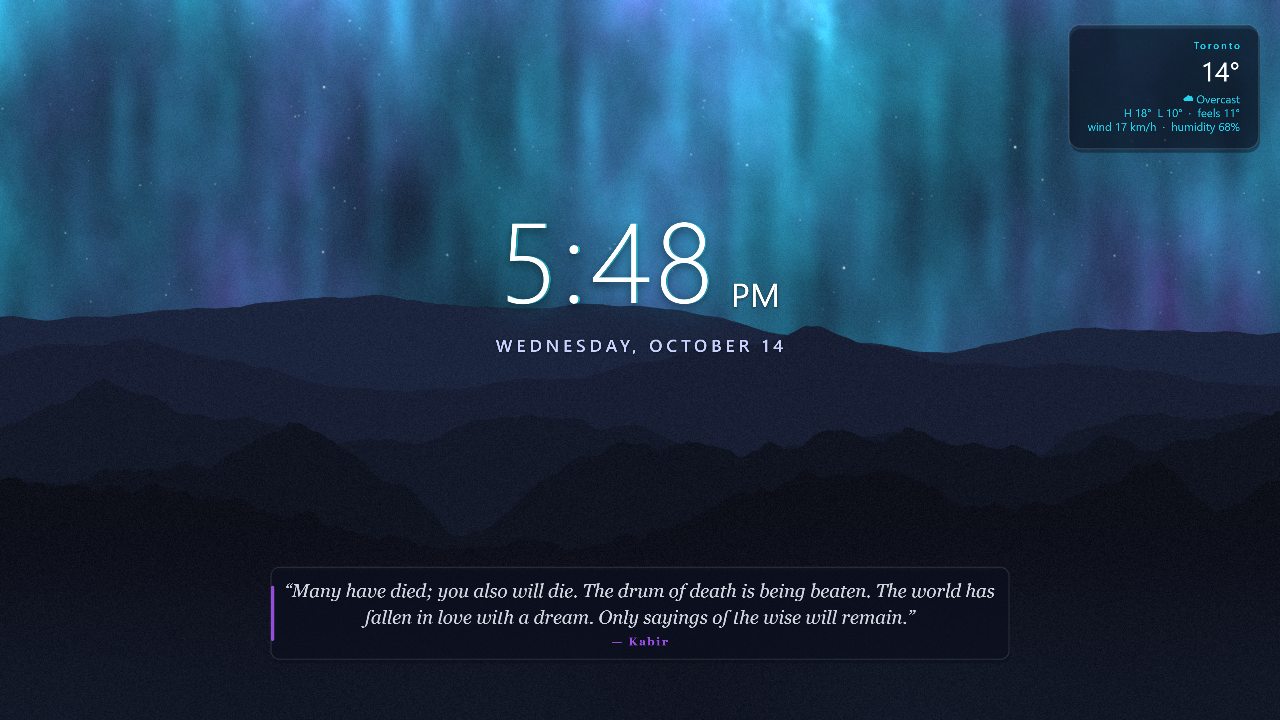
Tell Mural what to change and it edits your layers, not a flat picture. Everything stays movable afterwards. Needs Mural Pro or your own API keys; the rest of the app never does.
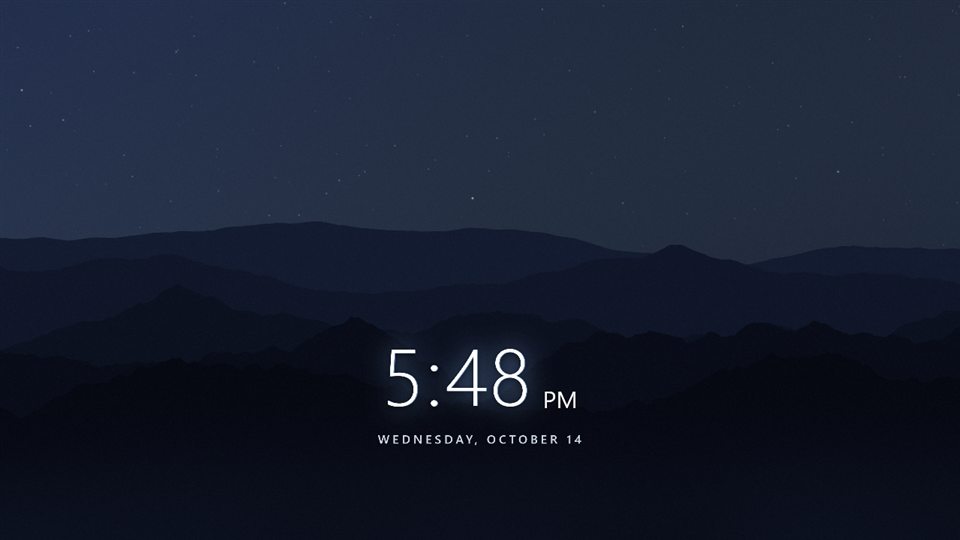
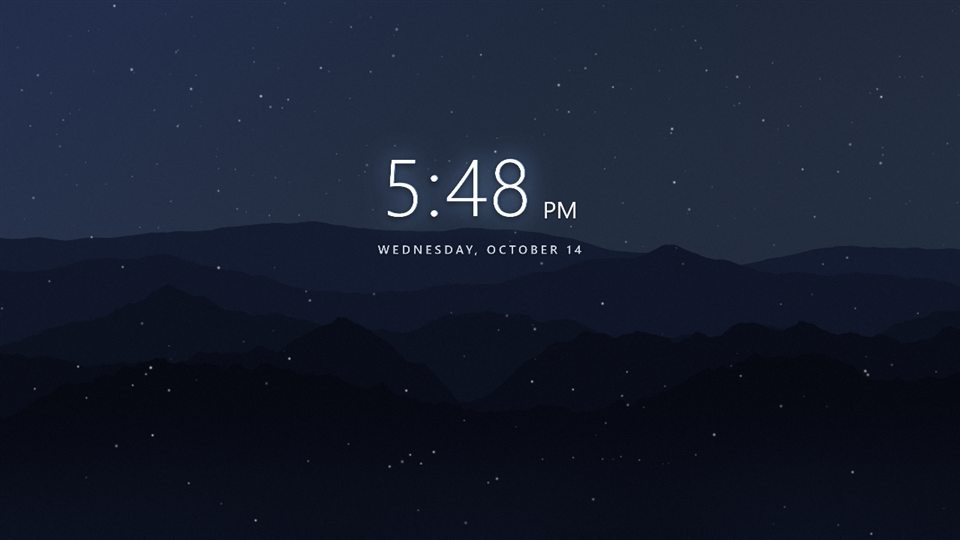
Add snow and move the clock up5 credits
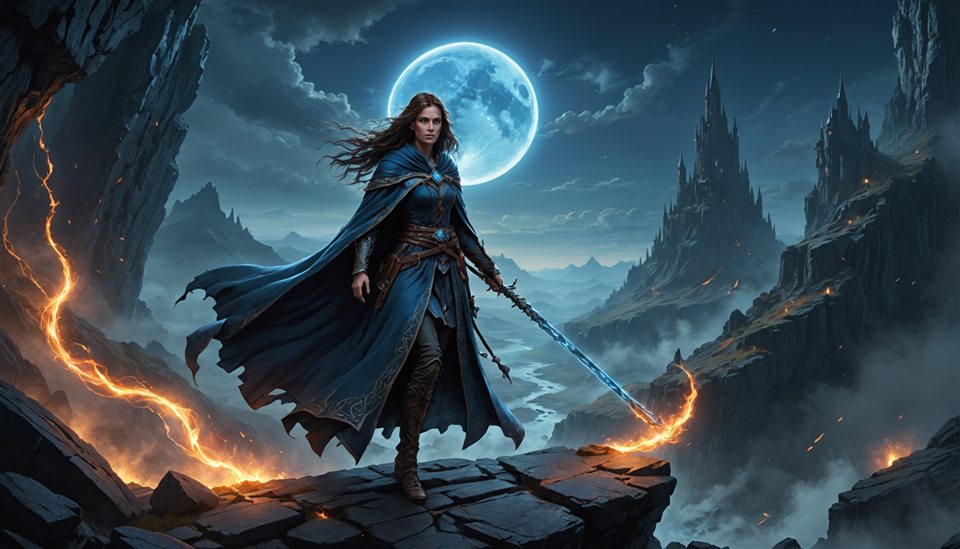
Bring to life· a still picture becomes a 5 s idle loop, like a game login screen30 credits
Other wallpaper apps give you a file. Mural gives you a scene: drag things around, swap the picture, tune the colours, add a widget, and apply. It runs behind your icons like a normal wallpaper, pauses for games, and uses your GPU.
Thumbnails, visibility, locks, drag to reorder, blend modes and opacity. Crop, resize and move any picture right on the canvas; double-click a layer to edit it where it sits.
Clock, date, weather for your city, system stats, a fresh quote every refresh, and photo feeds. Glass cards, glows, letter-spacing: styled, not stuck on.
Aurora, flowing gradients, layered mountains, stars, snow, rain, particles and film grain. GPU shaders, crisp on any display.
Play a folder of frames or a clip as a looping layer. Slice any video into frames with one click.
Same wallpaper on each display, or one scene stretched across all of them with per-monitor guides in the editor.
An eye button at the bottom-right of your desktop hides your icons with a click and opens the Mural menu on right-click: edit this wallpaper, next wallpaper, arrange icons. The same menu sits in the tray and under the desktop's "Show more options". Playlists rotate on a schedule.
Open one in Mural (it installs straight into your library) or download the .mural file and double-click it. Every scene is made of effects and widgets, so it needs no pictures and weighs almost nothing.
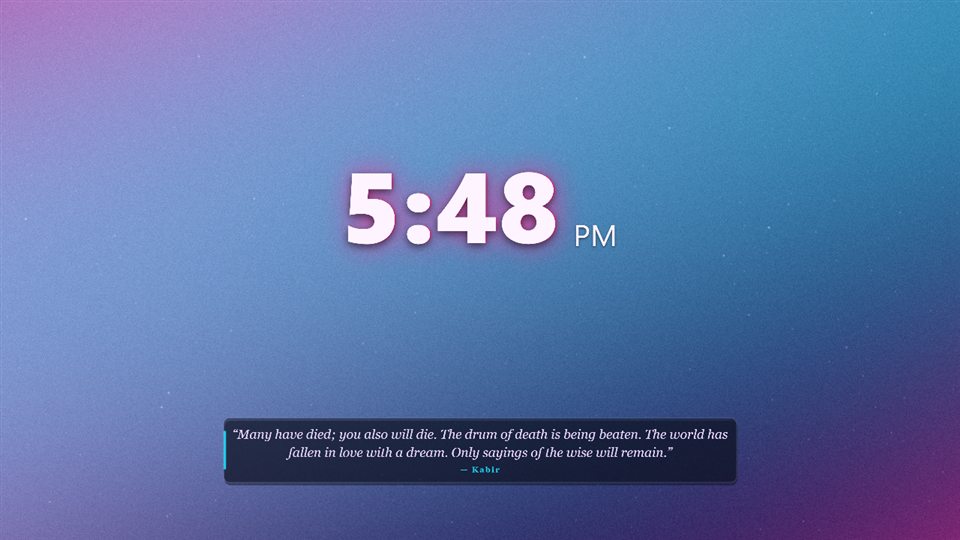
Magenta-to-cyan gradient, film grain, a bold glowing clock and a quote.
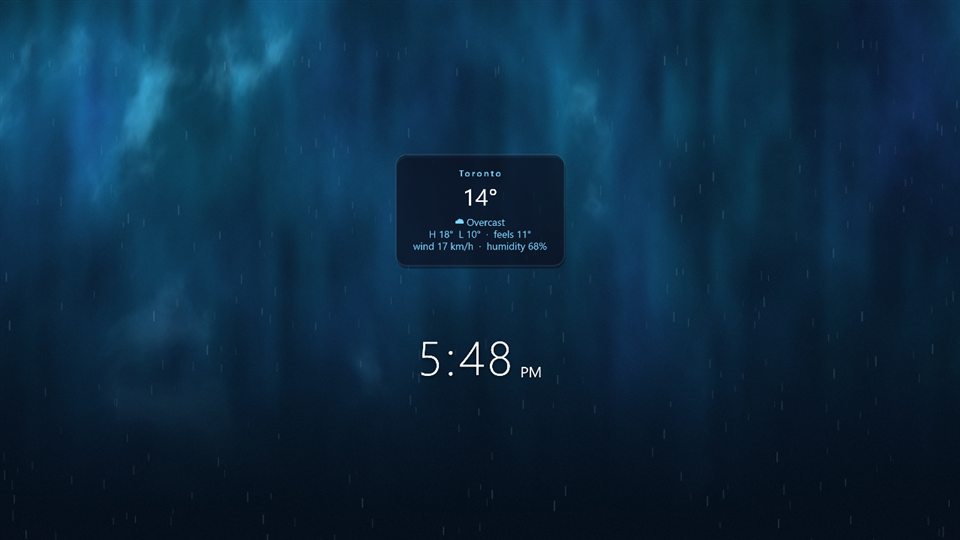
Deep blue aurora, falling rain, and the weather for your city in the middle.
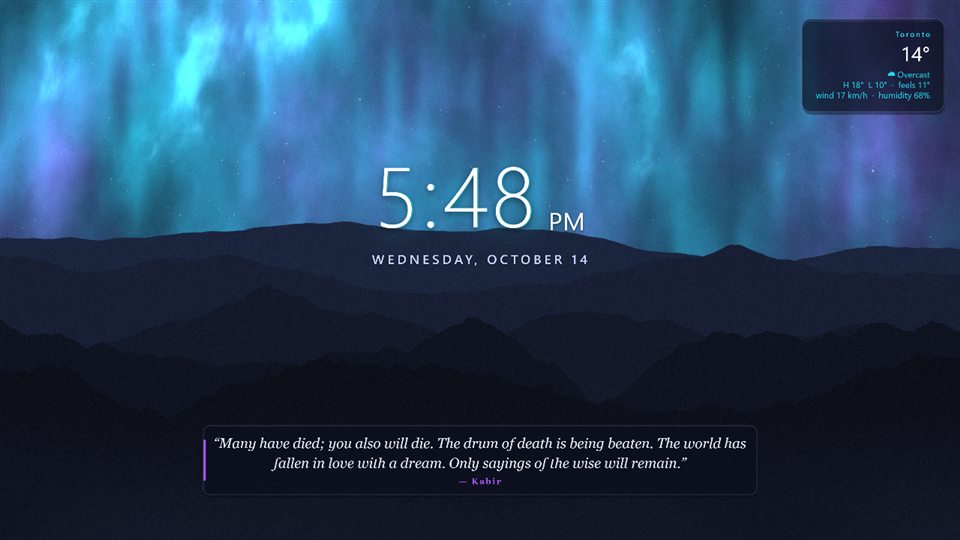
The sample scene: northern lights, stars, mountains, clock, date, weather and a quote.
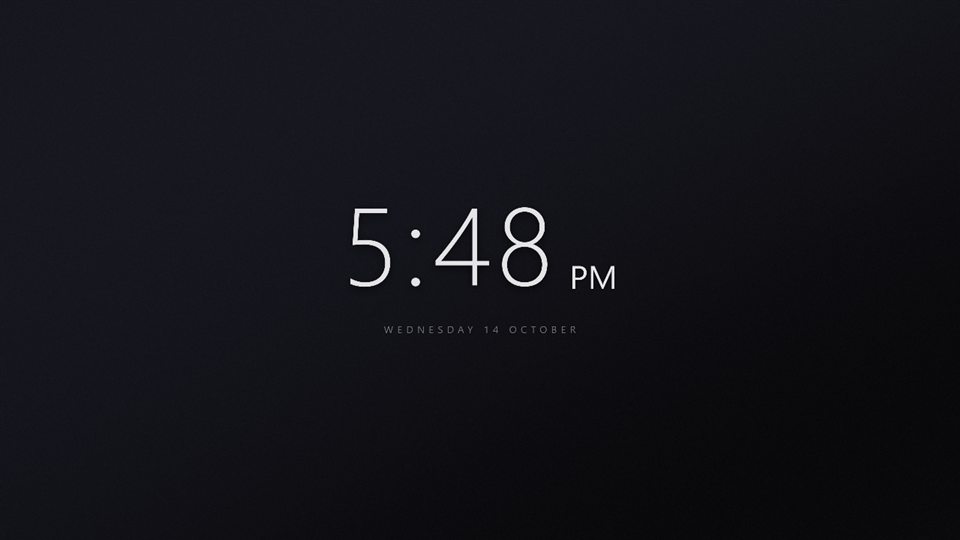
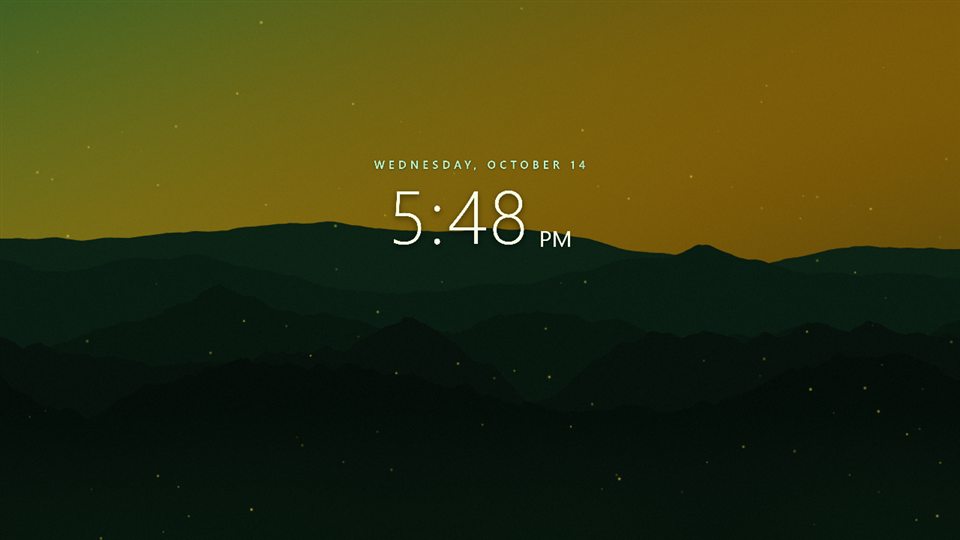
A big thin clock and the date on a near-black gradient. Nothing else.
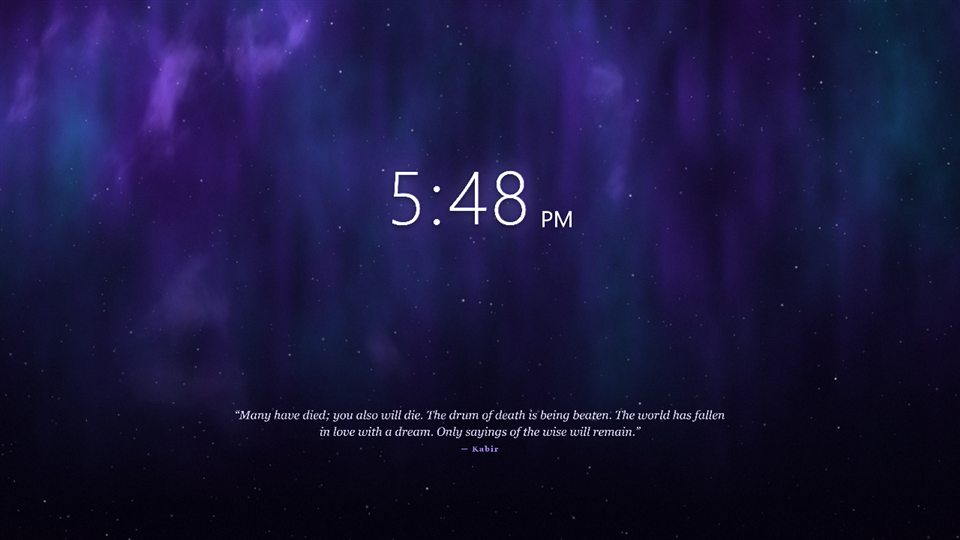
Dense stars, drifting particles, and your CPU and memory in a quiet corner.
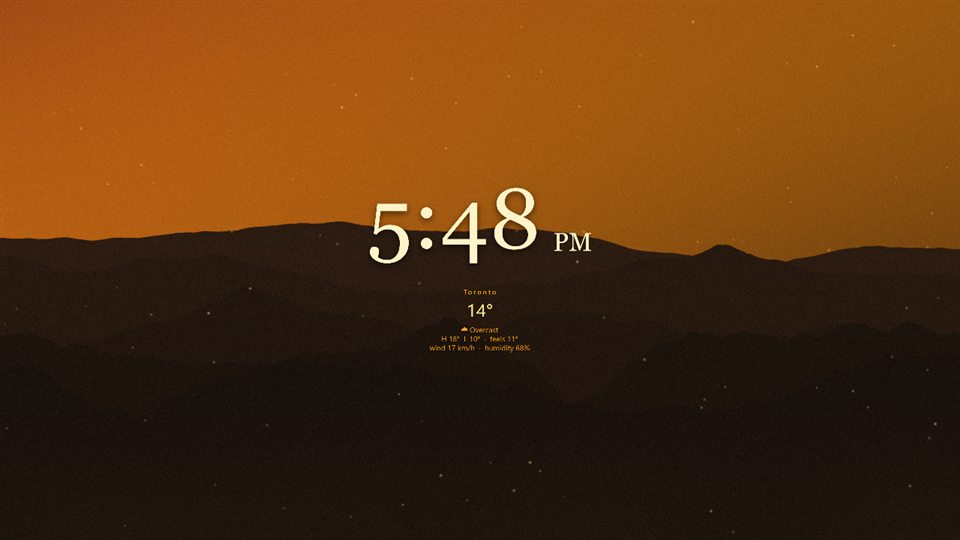
Warm amber tones, light snow, and a serif quote to read with your coffee.
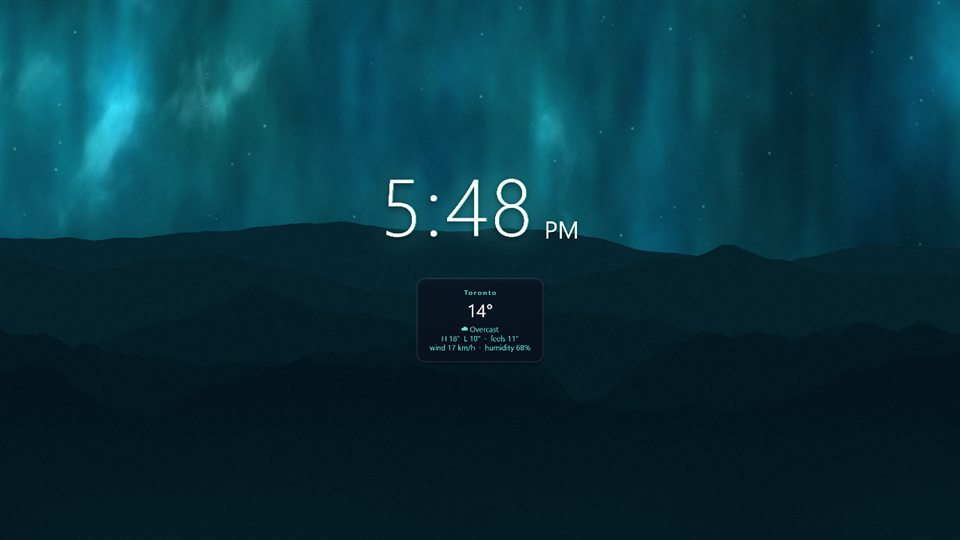
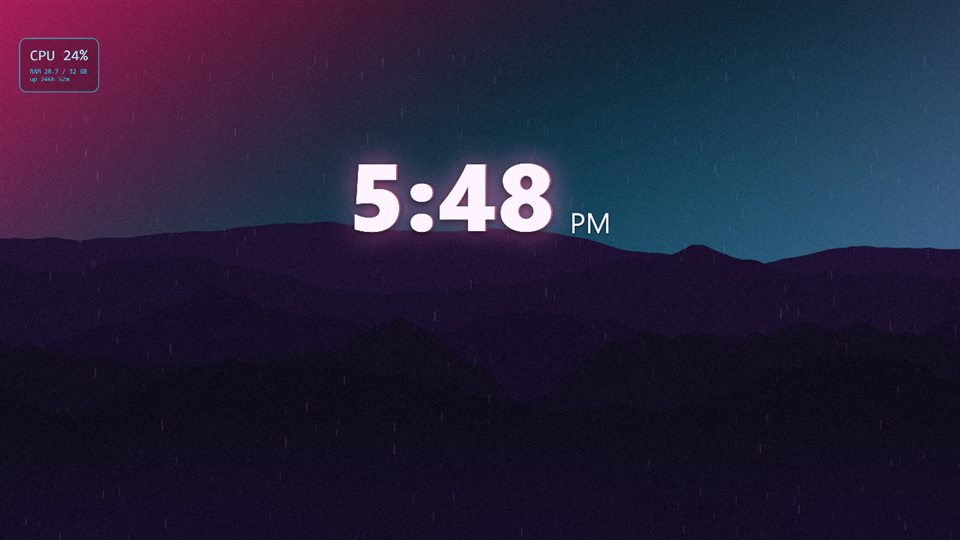
Pink and cyan glow, rain on the glass, film grain, and a clock that hums.
"Open in Mural" needs Mural installed; the browser will ask before handing the link to the app. The download works anywhere: double-click the file on a PC with Mural.
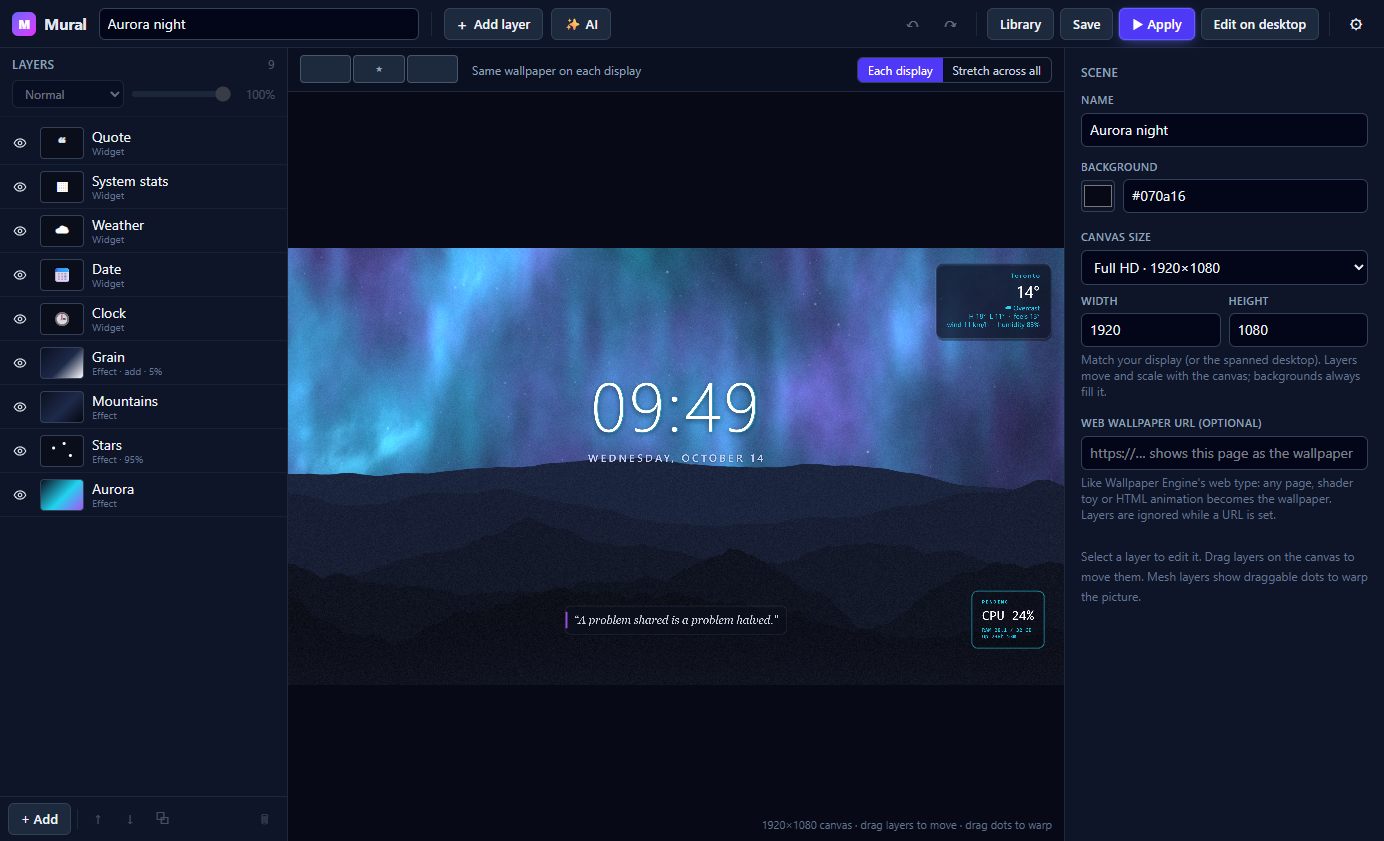
A real canvas with drag handles and corner resize, a right-click menu on every layer, undo and redo, keyboard shortcuts, and a properties panel for every detail: fonts, formats, colours, motion effects, canvas size.
Pick a canvas resolution from Full HD to 4K, ultrawide or portrait, and layers reflow to match. Warp any photo into an editable mesh and drag its points.
Or skip the editor: Edit on desktop puts the controls over your real wallpaper so you see changes live.
Everything below is free to use with your own files. The AI layers run on Mural Pro, or on your own API keys if you prefer.
Tell Mural "add a slow snow effect and a daily quote at the bottom" and it edits your layers, not a flat image. You can still move, restyle or delete every piece afterwards.
Generate a still from a prompt, matched to your canvas, with an upscale pass for 4K. Turn any picture into a few seconds of motion and get it back as an editable image sequence that plays out and back so it never jumps.
Nothing to configure: Mural Pro includes the AI. Prefer your own Anthropic, OpenAI, Stability and fal.ai keys? Paste them in Settings and Mural uses them instead; you pay those providers directly and no Mural Pro is needed.

Real layers, live widgets, and AI that edits the scene instead of replacing it. Mural is free, so try both.
| Mural | Wallpaper Engine | |
|---|---|---|
| Price | Free. Pro is optional and only for the AI tools. | One-time purchase on Steam. |
| Make your own | Built around it: a layer stack with drag, crop, blend modes, undo, and your own photos and videos. | Has an editor, but most people pick from the Workshop. |
| Live widgets | Built in: clock, date, weather, system stats, quotes and photo feeds, styled per layer. | Through individual wallpapers and web wallpapers; depends on what the author built. |
| AI edit and animate | Yes (Pro): describe a change and the layers change; animate any picture into a loop. | No built-in generative AI. |
| Workshop / gallery | Ten starter scenes above, plus whatever you make or import. | Steam Workshop: a huge library made by its community. Wallpaper Engine wins here. |
Every editing feature is free, forever. Pro plans add a monthly allowance of AI credits that covers edits, images and animations. Cancel anytime; credits reset on your billing date.
Subscribe before Oct 23, 2026 and your plan keeps its current price for as long as that subscription stays active. Switching plans or resubscribing uses the price at that time.
Subscribe before Oct 23, 2026 and your plan keeps its current price for as long as that subscription stays active. Switching plans or resubscribing uses the price at that time.
Subscribe before Oct 23, 2026 and your plan keeps its current price for as long as that subscription stays active. Switching plans or resubscribing uses the price at that time.
Your first month comes with 25 extra welcome credits (about five AI edits). They expire at your first renewal.
Clip counts assume 5-second 720p clips (30 credits); images and AI edits assume 5 credits each. Credits reset on your billing date each month and unused credits do not roll over. Failed jobs are refunded. Prices in CAD; Lemon Squeezy is the merchant of record and handles taxes and refunds.
| What a credit buys | Credits |
|---|---|
| Prompt help (turns an idea into a strong prompt) | 1 |
| Scene edit with AI (Fast) | 5 |
| Scene edit with the best model | 20 |
| Picture or generative fill with OpenAI GPT Image | 7 |
| Picture at GPT Image's best quality | 20 |
| Picture or fill with Stability AI (choose it in Settings), or a background cut-out | 5 |
| Upscale for 4K canvases | 2 |
| Extra-wide picture for a Dual or Triple monitor canvas (each extension is one more fill) | 7 + 7 per part |
| Animating a picture wider than 16:9 (one clip per overlapping part) | clip × parts |
| Animating only the parts you describe (finding them, plus the clip) | 3 + clip |
| Split a picture into parallax layers (plus one fill for the background behind them) | 3 + 7 |
| Animated layers: following one part through an animation (plus the animation itself) | 2 per part |
| Animation at 480p, per second of clip | 4 / s |
| Animation at 720p, per second (a 5-second clip is 30) | 6 / s |
| Animation at 1080p, per second (6 to 10 s clips) | 15 / s |
| Animation at 1440p, per second (6 to 10 s clips) | 22 / s |
| Animation at 4K, per second (6 to 10 s clips; 6 s is 204) | 34 / s |
You pick the frame count before generating and the price is shown on the button. Credits are shared across all your PCs on the same license.
Mural is a new app from a small developer and the installer is not code-signed yet, so Windows shows "Windows protected your PC" the first time. The installer is the exact file published on the GitHub releases page, and its SHA-256 is in the footer so you can check it. To run it:
It installs into your own user folder and needs no admin rights. Only the widgets you add (weather, quotes, photo feeds) and update checks go online; nothing about you is sent.
No. Everything except the AI tools is free and never asks for an account. Layers, widgets, effects, videos, playlists and multi-monitor all work without Pro.
Windows 10 or 11, 64-bit, and a GPU with up-to-date drivers (anything from the last ten years is fine). It installs per user with no admin rights, and about 300 MB on disk.
No. Mural pauses rendering while a fullscreen app is in front, and can pause on battery too. You can also cap it at 30 or 24 fps and lower the render quality in Settings.
On your PC, in your user profile. Scenes are plain JSON plus the pictures you imported. Only the widgets you add (weather, quotes, photo feeds) and update checks go online; nothing about you is sent. The AI tools are the only ones that upload your content: Edit with AI sends the wallpaper's layer list (no pictures) to Anthropic; Improve prompt sends your idea to Anthropic; Generate sends your prompt (not a picture) to OpenAI, or to Stability AI if you chose it in Settings, and an upscale sends the generated image to Stability; Generative fill sends that picture and the painted area to OpenAI (or Stability AI), and Remove background sends the picture to Stability AI; Animate from a picture uploads it to fal.ai, which hosts it on a temporary public link while the clip renders, and animating from a prompt sends the prompt to OpenAI (or Stability AI) for a still, then uploads that still to fal.ai the same way; Split into layers sends the picture to Anthropic to name its parts and uploads it to fal.ai to cut them out, then fills the background like generative fill. With Mural Pro these go through Mural's own relay, which keeps your license key, your credit count, the last 40 charges and refunds (operation, cost, time, job id; deleted 90 days after your last AI use), animation job records for up to 6 hours, and a welcome-credit record, and nothing else. With your own keys they go straight to the provider. Mural has no analytics or telemetry. Details in the privacy page.
After checkout you receive a license key by email. Paste it in Settings → Mural Pro and the AI tools light up. Your plan's credits renew on your billing date each month. Cancel from the email receipt or the billing portal anytime. Founder pricing: subscribe before Oct 23, 2026 and your plan keeps its current price for as long as that subscription stays active. Switching plans or resubscribing uses the price at that time.
The AI buttons show their price and simply stop working when you are short; everything else in Mural keeps working. Your allowance comes back on your billing date, you can move to a bigger plan in the billing portal, or paste your own API keys in Settings to pay the providers directly with no limit.
Yes. Everything you made, including AI-generated pictures and animations, is stored on your PC and keeps working. Only the AI buttons stop until you subscribe again or add your own keys.
Every Pro plan has a 14-day, no-questions refund. Reply to your Lemon Squeezy receipt email or open a support issue and the charge is reversed. The full policy is on the refunds page.
On your billing date each month. Unused credits do not roll over, and credits spent on a job that fails are refunded.
Yes. Settings has fields for Anthropic (scene editing), OpenAI (pictures and fills), Stability AI (cut-outs and upscales, or pictures if you prefer it) and fal.ai (animation). It must be an OpenAI API key; a ChatGPT subscription does not work. With your own keys there's no subscription and no credit limit.